How to Read an FPGA Data Sheet for a Sourcing Decision
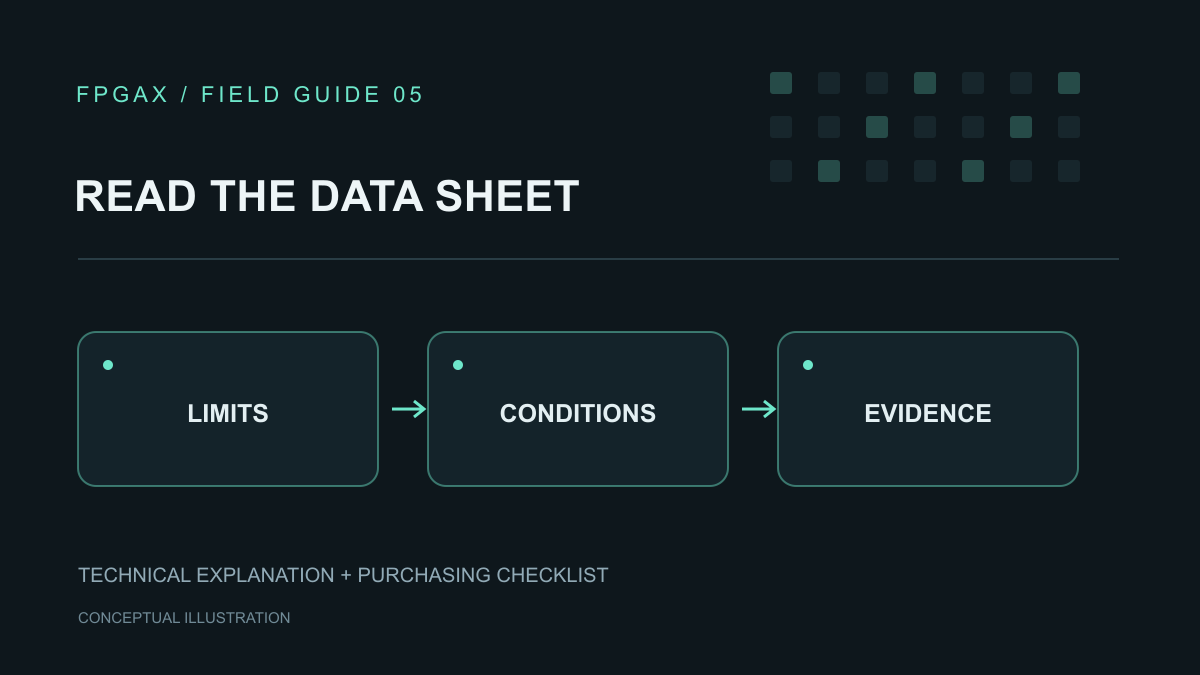
Read an FPGA data sheet with a list of decisions beside it. For a sourcing review, the useful output is a record of which requirements a candidate meets, which conditions apply and which questions still belong to engineering.
The workflow below is a proposed review method for buyers and design teams. It does not approve a device from its headline specifications. Keep the complete ordering code attached to every conclusion.
Start with the right document set
Collect the current manufacturer documents for the exact family, device and package. Record each title, revision and access date. If the design uses an older qualified revision, preserve that reference and ask engineering to review the changes.
The family data sheet may be only one part of the record. For example, Lattice's MachXO2 documentation catalogue separately lists a family data sheet, programming/configuration guide and package migration files. Lattice MachXO2 documentation
Use this reading map as an index. Document names vary by manufacturer.
| Decision to make | Where to start | What to carry into the review |
|---|---|---|
| Does the device contain the required functions? | Family overview and resource tables | Exact device row and relevant footnotes |
| Can it operate on the proposed board? | DC specifications and recommended conditions | Supply, input and temperature limits with conditions |
| Can signals reach the required resources? | Package drawing, pinout and interface guide | Package-specific assignments and restrictions |
| Can the design meet its performance target? | Switching specifications and implementation reports | Applicable timing conditions and design results |
| How will it start and be programmed? | Configuration and programming guide | Selected mode and supporting components |
| Are there exceptions to review? | Revision history, errata and design advisories | Applicable item, owner and resolution |
Keep one question per review row. A broad entry such as “electrical specifications checked” is difficult to audit or reuse.
Separate operating conditions from stress limits
Find the recommended operating conditions before evaluating a supply or signal. AMD's Spartan 7 DS189 explicitly describes absolute maximum ratings as stress limits; operation beyond the recommended conditions is not implied. Its DC tables also distinguish minimum, typical and maximum columns. AMD DS189, v1.11, DC Characteristics
Record the parameter symbol and its meaning, not just the number. Identify whether the row concerns a supply, an input pin, a reference voltage or another function. Ask engineering to confirm the complete set of applicable conditions.
Treat a typical value as a value under its stated conditions, rather than silently promoting it to a guaranteed limit. If the table gives no maximum for the question you are trying to answer, mark that question unresolved.
For a hypothetical review, suppose a buyer copies a maximum voltage from the first table into a supplier comparison. The engineer should return to the table heading and footnote before accepting it. If that number is a stress limit, the comparison must be rebuilt using the relevant operating specification.
Read across the row and through the footnotes
A useful specification entry includes the minimum or maximum value, unit, conditions and document location. Retain qualifiers such as device variant, speed grade, supply setting and I/O standard.
Use separate rows when different operating cases matter. For example, do not collapse startup and normal operation into one power entry. Ask which temperature definition the relevant table uses, and preserve that definition beside the number.
When two sources appear to disagree, do not average the values or choose the more favorable one. Check whether they address the same device, revision and condition. Write down the discrepancy and request a technical resolution before using either value to approve the candidate.
Follow the package question to the pinout
After identifying a candidate device, open the exact package information. Altera's official pinout directory provides separate files organized by family and device; use the applicable file rather than a neighboring model's listing. Altera pinout files
Build a short interface list before reviewing available pins. Include signal direction, required standard, clocks and any special pin function. Ask the hardware engineer to map that list to the package.
This is a practical cross-check on a promising resource-table result. A device can remain on the shortlist while its package review is open, but that status should be visible to purchasing.
Turn performance claims into engineering questions
Rewrite a requirement such as “fast enough” into the workload and timing target that engineering must assess. Record the required sample or transaction rate, latency limit and external interface conditions.
Then ask which specification applies to each target. Keep component timing limits separate from results for the actual design. If the implementation is incomplete, label any performance conclusion as provisional and identify the missing build or analysis.
AMD's I/O planning flow includes design-rule checking and simultaneous-switching-noise analysis, followed by implementation and exchange of PCB data. Those are useful evidence requests for a Vivado-based project. AMD UG899, 2026.1, I/O and Clock Planning Design Flow Steps
Keep a decision record that purchasing can use
Use the following fields in your working sheet:
- Requirement: what the board or product must do.
- Candidate evidence: document revision, section and applicable condition.
- Engineering conclusion: passes, fails or needs further work.
- Open action: the missing information, responsible person and required decision date.
- Purchasing instruction: exact part approved for quotation, evaluation or production.
A candidate with unanswered technical questions can still be quoted. Make the request's status explicit so a price comparison does not become an accidental substitution approval.
Before sending the request, check that every candidate has its own record. Keep quantities and required delivery dates outside the technical pass/fail columns. A short commercial deadline cannot close an unresolved specification question.
When you are ready to request an FPGA quotation from FPGAX, include the full ordering code, quantity and required date. Identify any candidate still under engineering review and attach the specific specification questions that remain open.