Legacy FPGA Toolchains: Check Device, IP and Build Support
A legacy FPGA toolchain review should establish whether your team can maintain the exact design it intends to buy components for. Record the tool edition and release, device support, IP dependencies and working environment. Then demonstrate the required build.
Keep software support and component supply in separate records. A supported device entry answers a software question. Purchasing still needs current lifecycle information and a quotation for the complete ordering code.
Start from the last approved project
Locate the source revision that produced the approved hardware image. Preserve it before opening or converting the project with another tool. Include constraints, build scripts, memory-initialization files and any external source directories.
Identify what is missing. A saved programming file may support a defined production operation, but it does not by itself provide the source and dependencies needed to change the design. Record “can program the released image” separately from “can rebuild the design.”
Ask the project owner to identify the last successful build log and its output files. Compare the target part in that log with the production BOM. If they disagree, resolve the discrepancy before choosing a replacement computer or tool release.
Confirm the software edition and target
Use the device-support documentation for the actual release. Record the edition as well as the version number. Altera's installation guide distinguishes Quartus Prime Pro, Standard and Lite editions and their device coverage. The name “Quartus” alone is therefore an incomplete environment record. Altera, Software Installation and Licensing, v26.1
Apply the same discipline to other vendors' flows. If the original project names ISE, Vivado, Diamond, Radiant or Libero, follow that product's archived release documentation. Do not infer support from another product carrying the same vendor name.
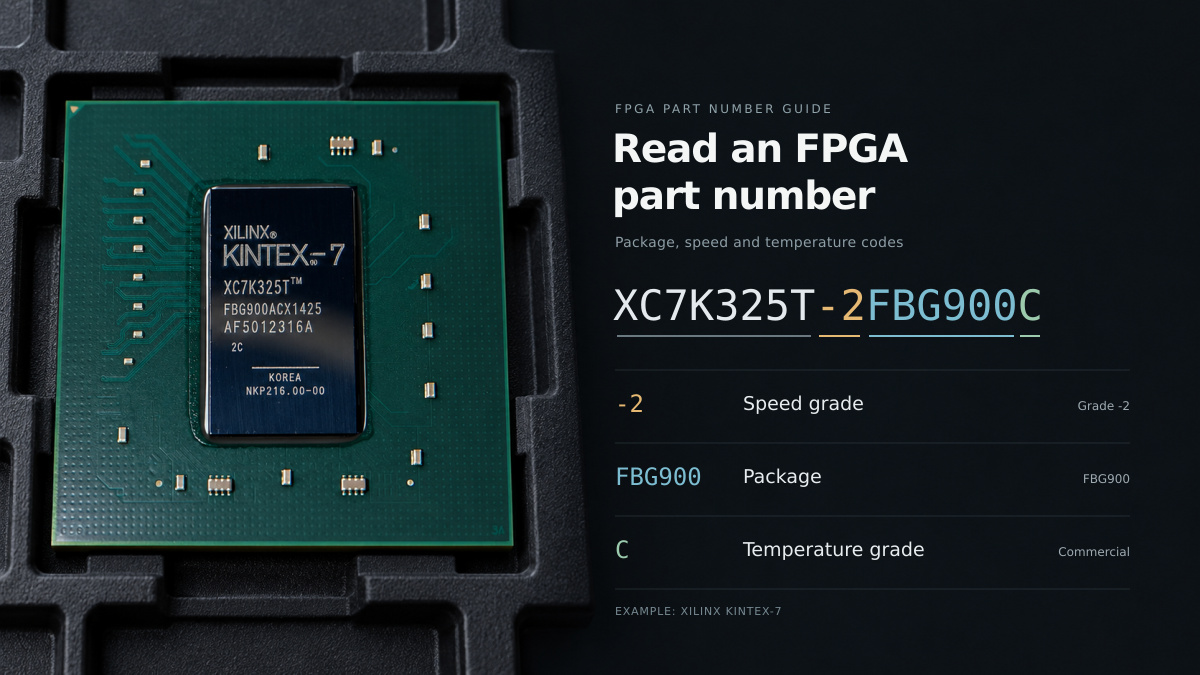
In the support record, identify the exact target selected by the tool and any required device-support installation package. Attach the manufacturer's applicable release document. A screenshot showing a family in a selection menu should be followed by a build targeting the intended part.
Reconstruct the host environment
Record the operating-system edition, version and architecture, plus the tool's dependencies and programming-cable drivers. Where a virtual machine is involved, preserve the supported host and guest arrangement and document access to the required hardware.
AMD's UG1227 revision 14.8 documents the ISE 14.7 VM solution for Windows 10 and Windows 11. It specifies different supported VirtualBox versions for those hosts. This is a particular virtual-machine deployment, rather than a general claim that every ISE installation runs on current Windows. AMD UG1227, Introduction
Assign an owner to the preserved environment. Write down how another authorized engineer can recover it if the original workstation fails. Keep installer identities and checksums where your software terms permit retention. Have IT review the environment's access and maintenance arrangements.
Inventory IP and licensing dependencies
Make one row for each generated or externally supplied IP block. Record its version, configuration file, source or generated-output location, and the tool used to produce it. Include simulation dependencies where simulation is part of your acceptance flow.
Ask the license owner to verify the rights needed for the intended work: opening the project, regenerating IP, building the design and using the released output. Record any expiry, host binding or license-server dependency that applies. Store sensitive license material in the approved location, with a reference in the engineering record.
Avoid treating a successful launch as license acceptance. Exercise the build stages you expect to need and retain their results. If only a preserved generated output can be used, make that limitation visible to the maintenance owner before a design change is scheduled.
Rebuild before deciding whether to upgrade
First attempt the baseline in the documented environment. Preserve the log, generated artifacts and report set. Record the exact commands or repeatable steps so a second engineer can repeat the attempt without guessing.
Review warnings and failures individually. A missing file, unavailable license and unsupported device require different actions. Keep the evidence with the issue rather than summarizing every problem as “old software.”
For an upgrade, work on a separate project copy and record each intentional change. Altera's 25.1std release notes provide separate sections for software behavior changes, removed features, device support, model status and known issues. Use the corresponding release notes for your upgrade path. Altera, 25.1std Release Notes, 2026-02-03
Define how the new build will be compared with the baseline. Review constraints, implementation results and programming behavior, then perform the hardware checks required by the project. Tool conversion success should have its own status; design acceptance should have a separate approval.
A maintenance-readiness record
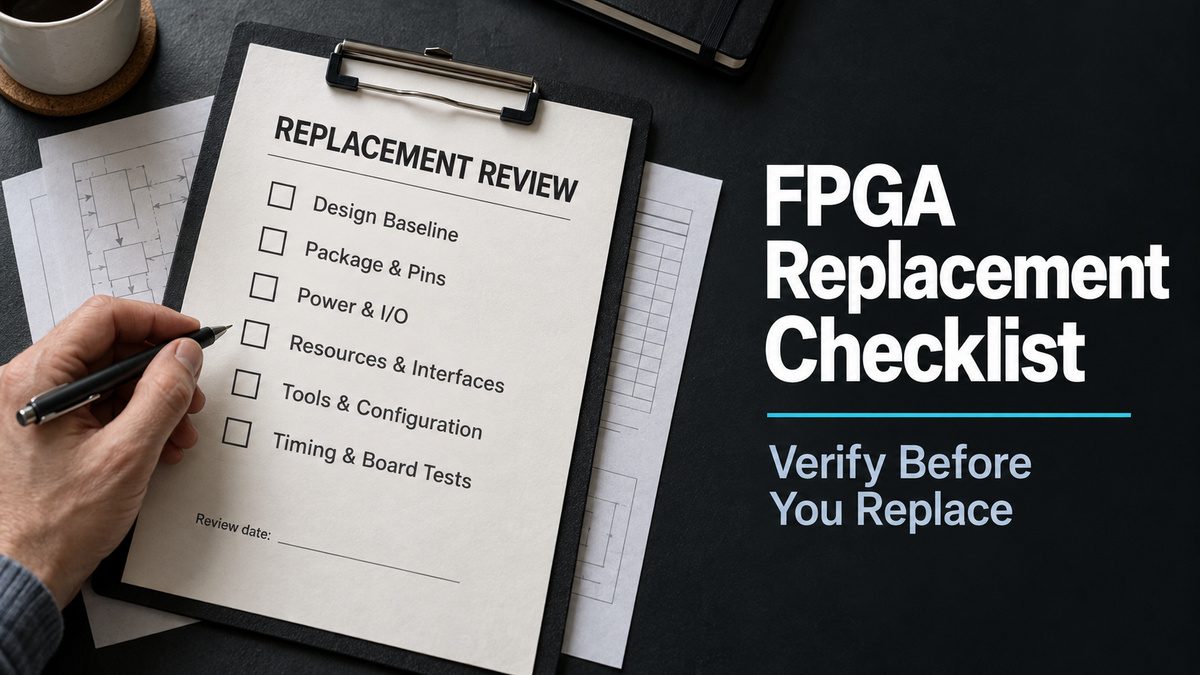
The following proposed record makes the remaining work visible to engineering and procurement.
| Area | Evidence and owner to record |
|---|---|
| Original design | Source revision, board revision and last approved image |
| Target support | Full part, tool edition/release and applicable device-support reference |
| Environment | Host or VM details, installers, dependencies and drivers |
| IP | Core versions, settings, generated files and regeneration method |
| Licensing | Verified entitlement, dependencies and responsible license owner |
| Rebuild | Procedure, logs, output identities and reviewed differences |
| Hardware acceptance | Required checks, results and approval status |
| Supply | Separate lifecycle reference, quotation date and purchasing decision |
Use specific statuses: “archive located,” “dependencies complete,” “build demonstrated” and “released for the stated use.” Add an owner and next action to every unresolved entry. These statuses describe different evidence and should not collapse into a single “supported” checkbox.
If the only working environment belongs to a departing engineer, make its recovery demonstration a maintenance task. If a new tool requires design changes, estimate that engineering work separately from the component purchase.
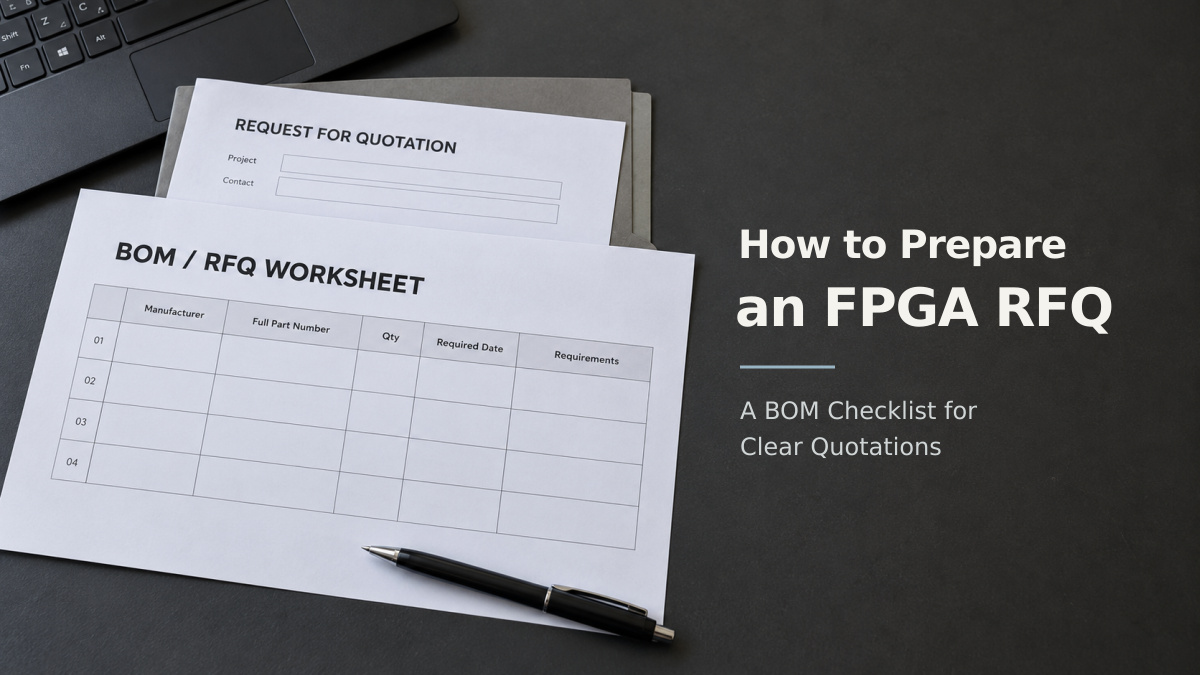
When you request an FPGA quotation from FPGAX, provide the complete part number and identify any fixed toolchain constraint. Ask that proposed alternatives be listed for engineering review. A quotation for an available candidate does not establish that your project can be rebuilt for it.